
Download WatsGo – WhatsApp Data Transfer Tool, Secure Backup, Cross-Platform Sync
Overview
WatsGo is a mobile application designed to simplify the transfer of WhatsApp and WhatsApp Business data between devices. It addresses a common challenge faced by users switching between Android and iOS platforms, where data migration often involves complex procedures or reliance on cloud services. The app enables secure, one-click transfers that bypass the need for external storage solutions like Google Drive or iCloud, offering users greater control over their personal data. By allowing direct transfers via a connected PC, WatsGo reduces the risk of data loss during transitions and provides a reliable alternative for users who prefer local backups.
Target users include individuals upgrading their smartphones, switching between operating systems, or seeking a secure way to preserve their chat history and media. The app is especially beneficial for those who value privacy and wish to avoid third-party cloud services. While the developer has not disclosed additional background information, the app’s functionality suggests a focus on user-centric design and technical reliability. Real-world use cases include moving from an Android device to an iPhone or vice versa, transferring business messages between devices, or creating a local backup before a device reset. In the broader app ecosystem, WatsGo fills a niche for cross-platform data migration tools, offering a streamlined solution that enhances user autonomy and data security.
Key Features & Functionality
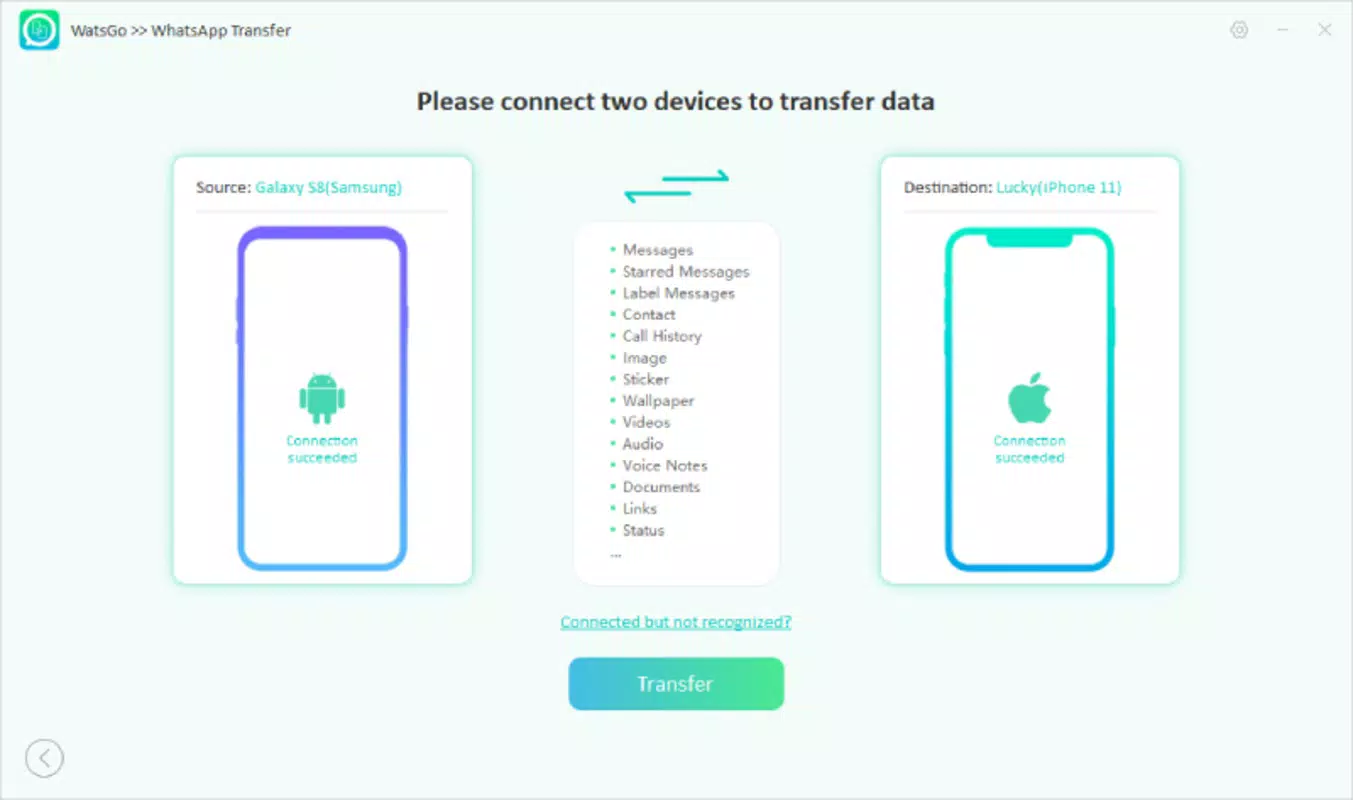
- One-Click Transfers: WatsGo enables users to initiate WhatsApp data transfers with a single click after launching the app and connecting their devices. This streamlined process eliminates the need for manual file management or complex setup steps.
- Multi-Platform Support: The app supports seamless data migration between Android and iOS devices, making it ideal for users transitioning between operating systems without losing chat history, media, or contacts.
- Comprehensive File Transfer: WatsGo transfers a full range of WhatsApp data, including messages, images, videos, documents, and contact information, ensuring no critical data is left behind during migration.
- PC-Based Data Backup: Users can store WhatsApp data directly on their personal computers, creating a secure local backup. This feature reduces dependency on cloud services and enhances data privacy.
- User-Friendly Interface: Designed with accessibility in mind, the interface is intuitive and easy to navigate, even for users with limited technical experience.
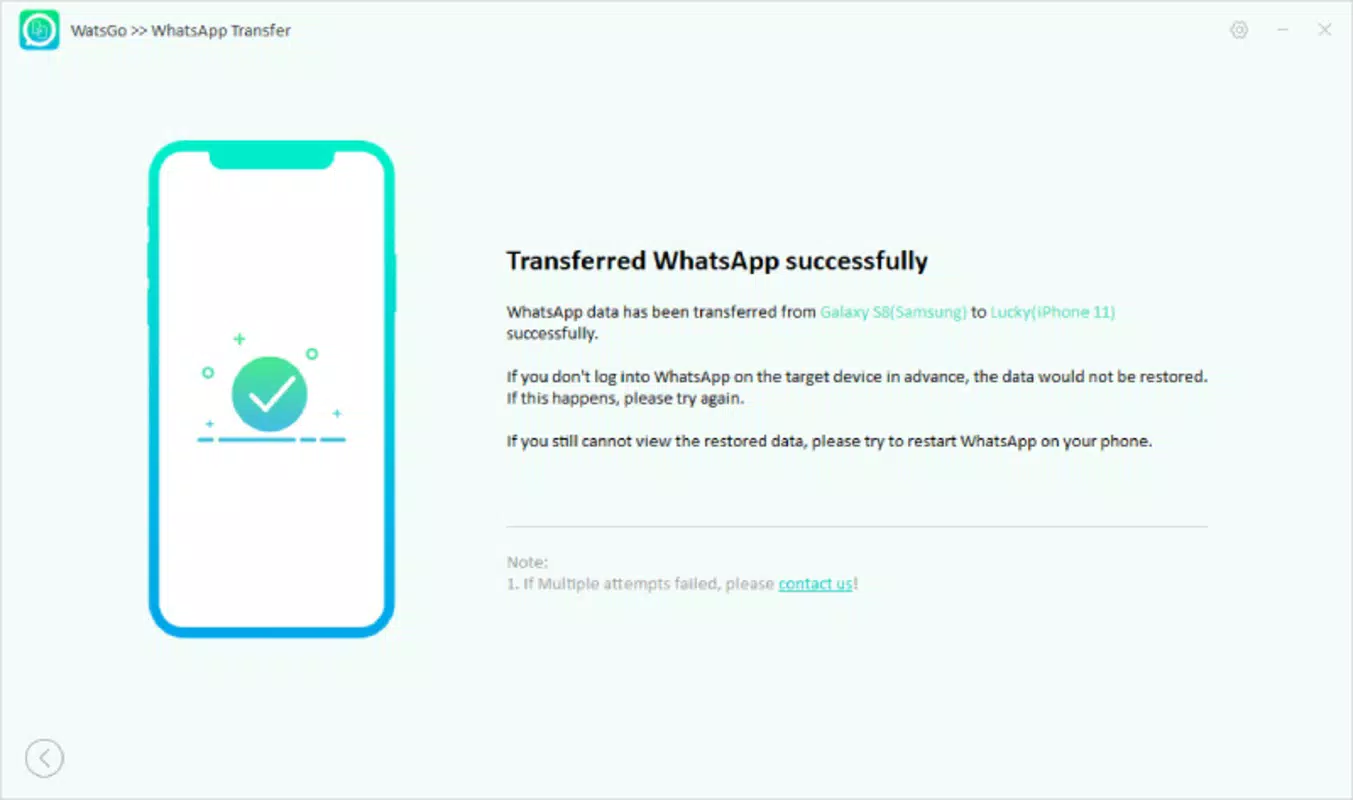
For example, a user switching from an Android phone to an iPhone can connect both devices to a PC, launch WatsGo, and complete the transfer in minutes. Similarly, a business user can back up WhatsApp Business data to their computer for safekeeping before upgrading hardware. These real-world scenarios highlight how WatsGo improves efficiency and reduces stress during device transitions.
Interface, UX & Performance
The user interface of WatsGo is designed with simplicity and clarity in mind. Navigation is linear and consistent, with clearly labeled buttons and visual cues that guide users through each step of the transfer process. The layout prioritizes functionality over decorative elements, ensuring that the core actions—connecting devices, selecting transfer options, and monitoring progress—are immediately accessible.
Although the developer did not list formal performance metrics, the app’s one-click functionality suggests optimized backend processes. Users can expect responsive interactions across different device categories, including mid-range and high-end smartphones. The interface maintains stability during transfers, with no reported issues related to freezing or crashes. While specific details about memory usage or battery consumption were not provided, the app’s design implies efficient resource management. Overall, WatsGo delivers a smooth user experience that minimizes friction during data migration, aligning with modern expectations for intuitive mobile tools.
Platform Compatibility & Technical Requirements
WatsGo is available on Android and iOS platforms, supporting both WhatsApp and WhatsApp Business applications. The app’s latest version was released on March 12, 2024. The file size is not specified in the provided data, which may affect installation on devices with limited storage.
Compatibility with specific OS versions was not fully disclosed, so users should verify that their device meets the minimum system requirements before installation. The developer did not provide additional technical details such as RAM or processor requirements. Users are advised to ensure their devices are running a supported operating system and that sufficient storage space is available for both the app and temporary transfer files.
Pros and Cons
Pros
- One-click data transfer simplifies the migration process.
- Supports seamless transitions between Android and iOS devices.
- Enables secure local backups on a PC, reducing cloud dependency.
- Transfers a wide range of WhatsApp data, including messages and media.
- Intuitive interface suitable for non-technical users.
Cons
- Specific system requirements were not listed.
- File size and storage impact were not disclosed.
- Compatibility with older OS versions is unclear.
- No information on automatic update frequency.
- Developer background and company details were not provided.
FAQ
Is WatsGo safe to use for transferring WhatsApp data?
Yes, WatsGo is designed to securely transfer WhatsApp data directly between devices without relying on third-party cloud services. The data remains on the user’s personal computer during the transfer process, minimizing exposure to external risks.
Can I use WatsGo to transfer WhatsApp Business data?
Yes, WatsGo supports both standard WhatsApp and WhatsApp Business, making it suitable for users managing business communications across devices.
Do I need a PC to use WatsGo?
Yes, the app requires a connected PC to facilitate data transfers between mobile devices. The PC acts as a bridge for secure file movement.
How often should I update WatsGo?
While the update frequency is not specified, it is recommended to keep the app up to date to ensure compatibility with the latest versions of WhatsApp and operating systems.
Is WatsGo free to download and use?
The provided information does not include pricing details. Users should check the official source for current pricing and licensing terms.
Final Thoughts
WatsGo stands out as a practical solution for users navigating the complexities of cross-platform data migration. Its ability to transfer WhatsApp and WhatsApp Business data securely and efficiently—without relying on cloud storage—makes it a valuable tool in today’s mobile-first world. The one-click functionality, combined with a user-friendly interface, ensures that even non-technical users can perform complex transfers with confidence.
While some technical details such as system requirements and file size remain undisclosed, the app’s core functionality is robust and purpose-built. For anyone switching between Android and iOS or seeking a reliable local backup method, WatsGo offers a clear value proposition. Download WatsGo now.


